
Java技术栈2024-03-01 · 约 3 分钟
springboot3整合prometheus和grafana监控_JVM监控
使用版本
text
springboot ---- 3.2.3
prometheus ---- 2.50.0
grafana ------- 10.3.3
操作系统 ------- window11
下载地址
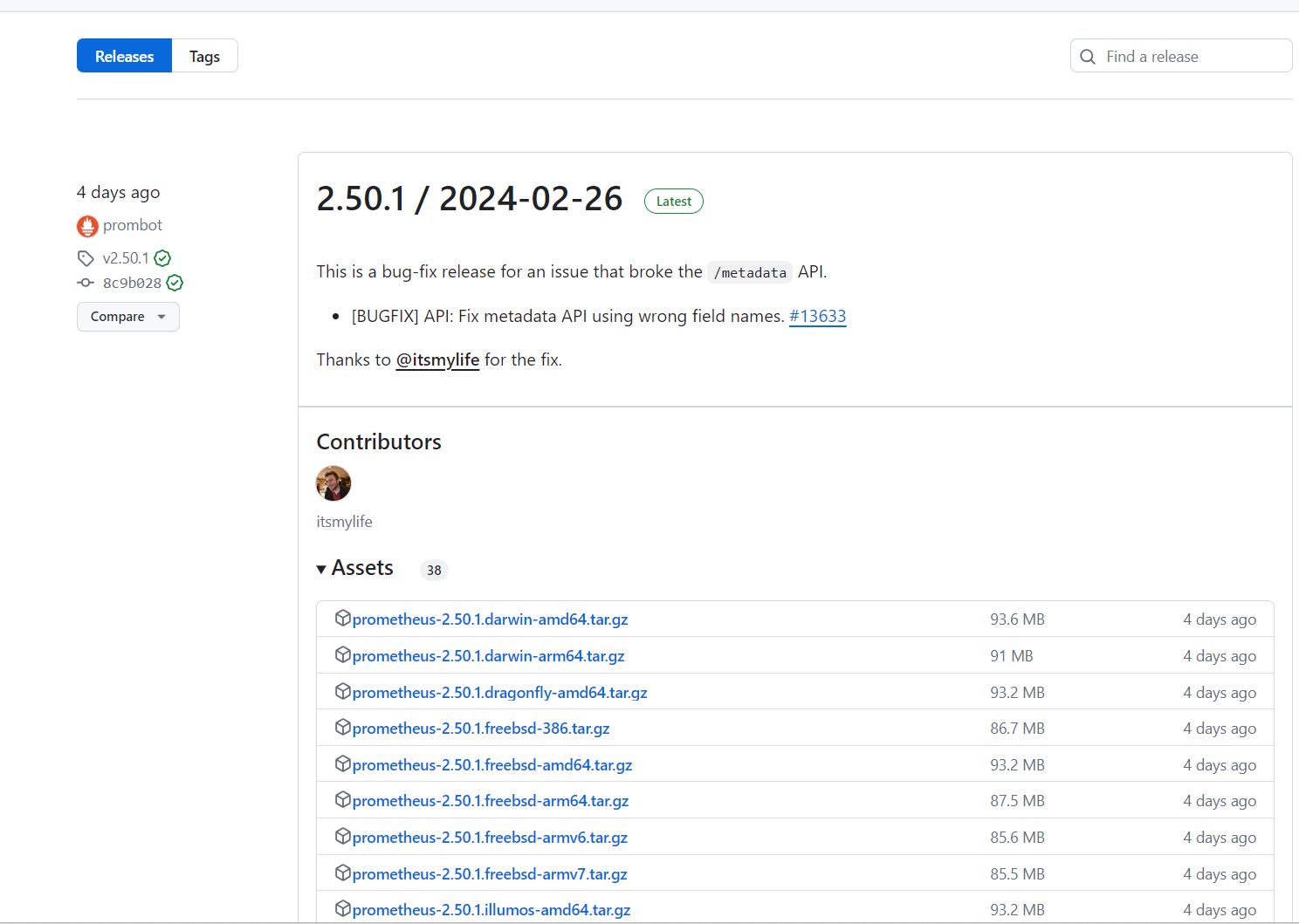
prometheus
https://github.com/prometheus/prometheus/releases
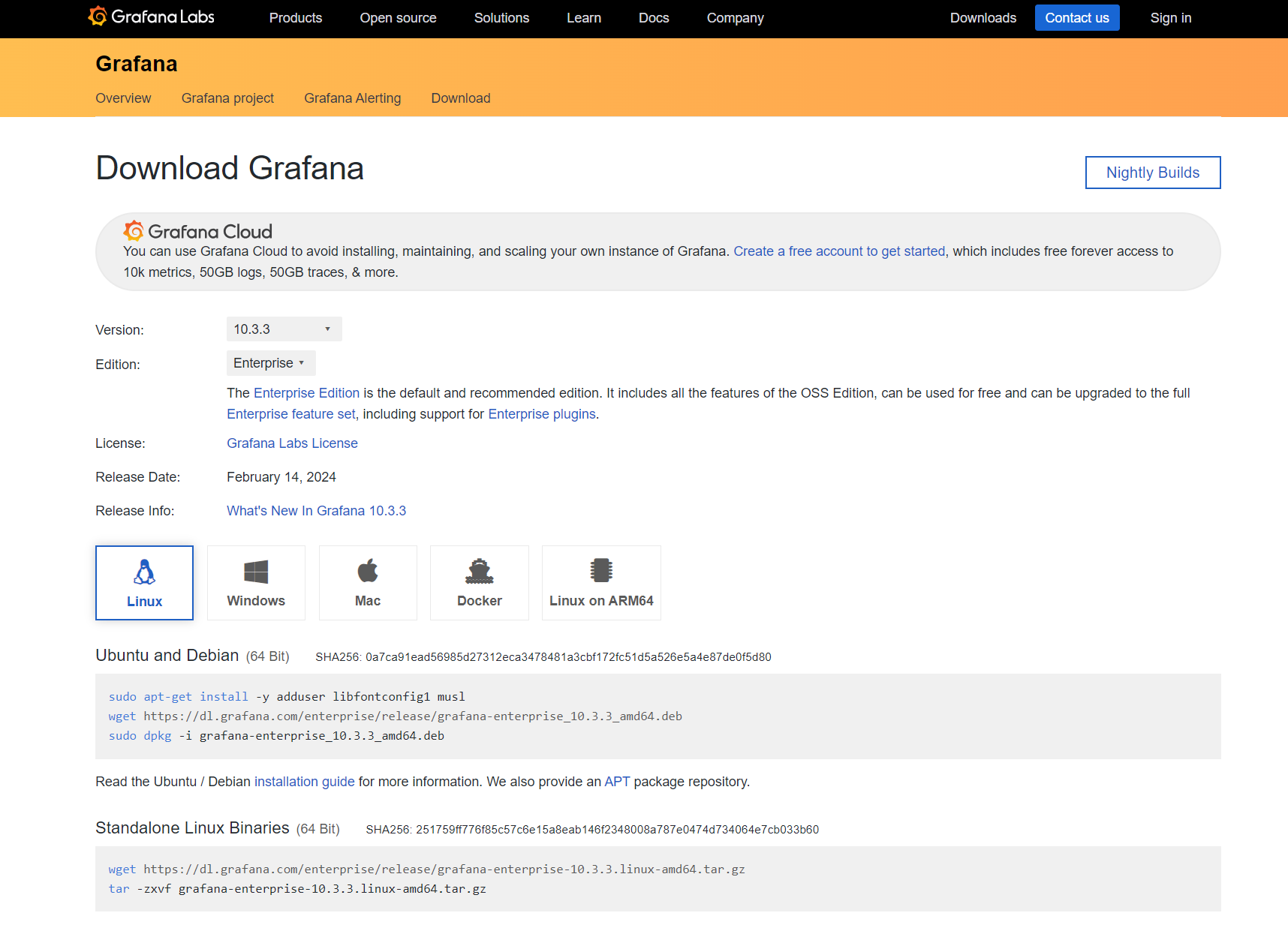
grafana
https://grafana.com/grafana/download/10.3.3
springboot项目中pom.xml引入
xml
<dependency>
    <groupId>org.springframework.boot</groupId>
    <artifactId>spring-boot-starter-actuator</artifactId>
</dependency>
<dependency>
    <groupId>io.micrometer</groupId>
    <artifactId>micrometer-registry-prometheus</artifactId>
</dependency>
application.yml添加配置
yml
# 如果有拦截器,需要放行/actuator/**
management:
  endpoints:
    web:
      exposure:
        include: health,info,prometheus,metrics,metrics-requiredMetricName
        exclude:
    enabled-by-default: true
  endpoint:
    health:
      show-details: ALWAYS
  # 对外暴露tag
  metrics:
    tags:
      application: 项目名
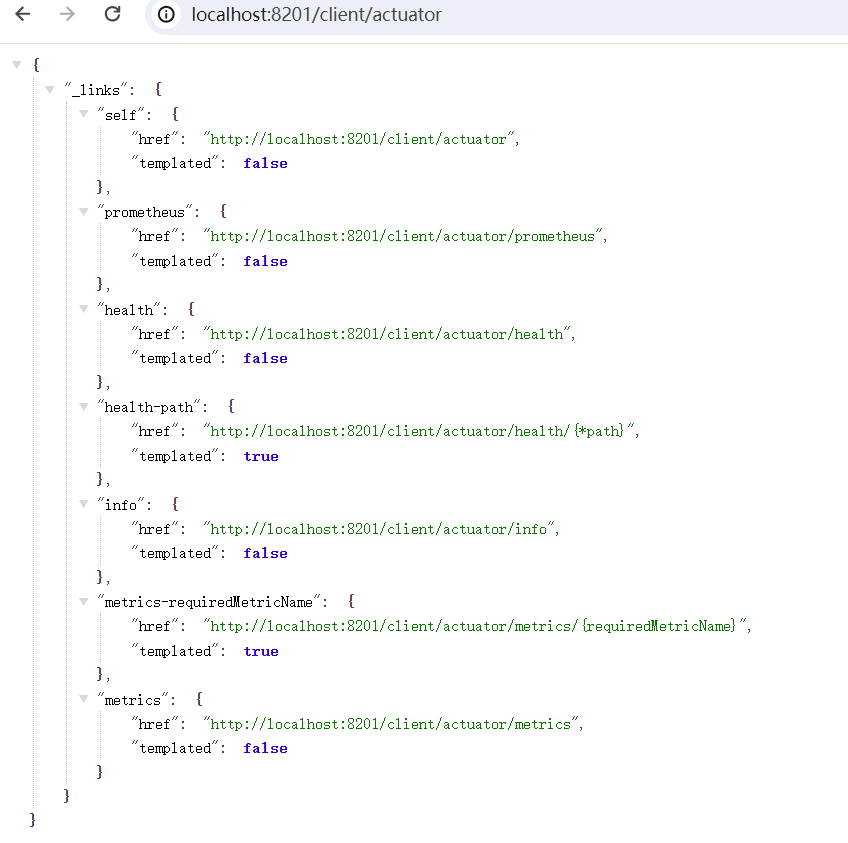
启动springboot服务,访问actuator接口
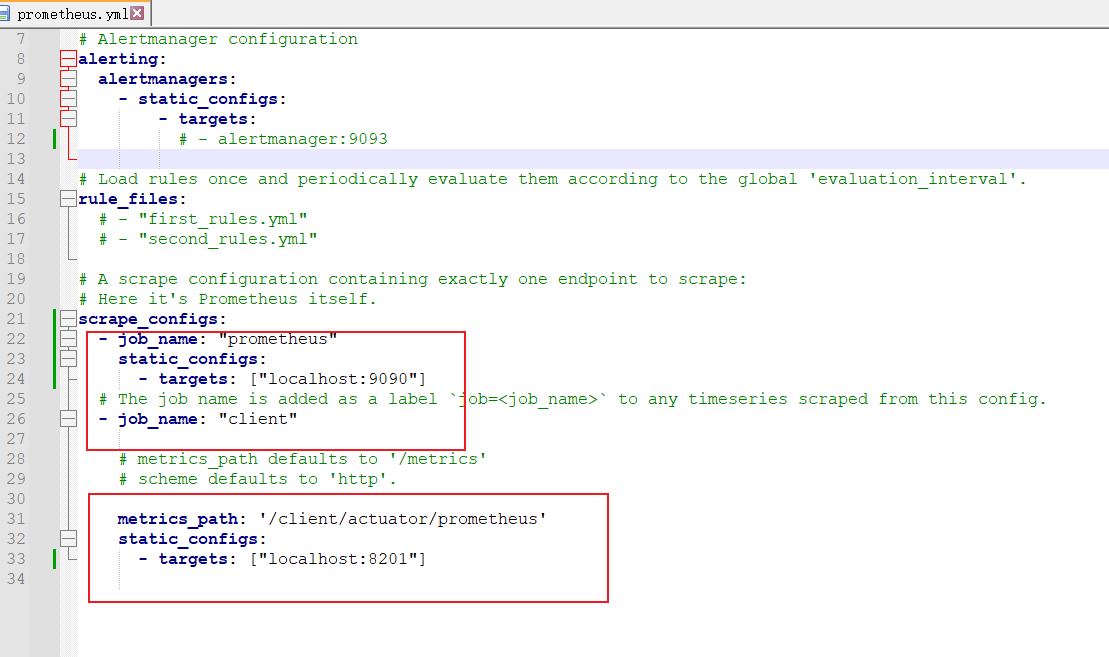
下载prometheus,解压并修改配置
运行 prometheus.exe
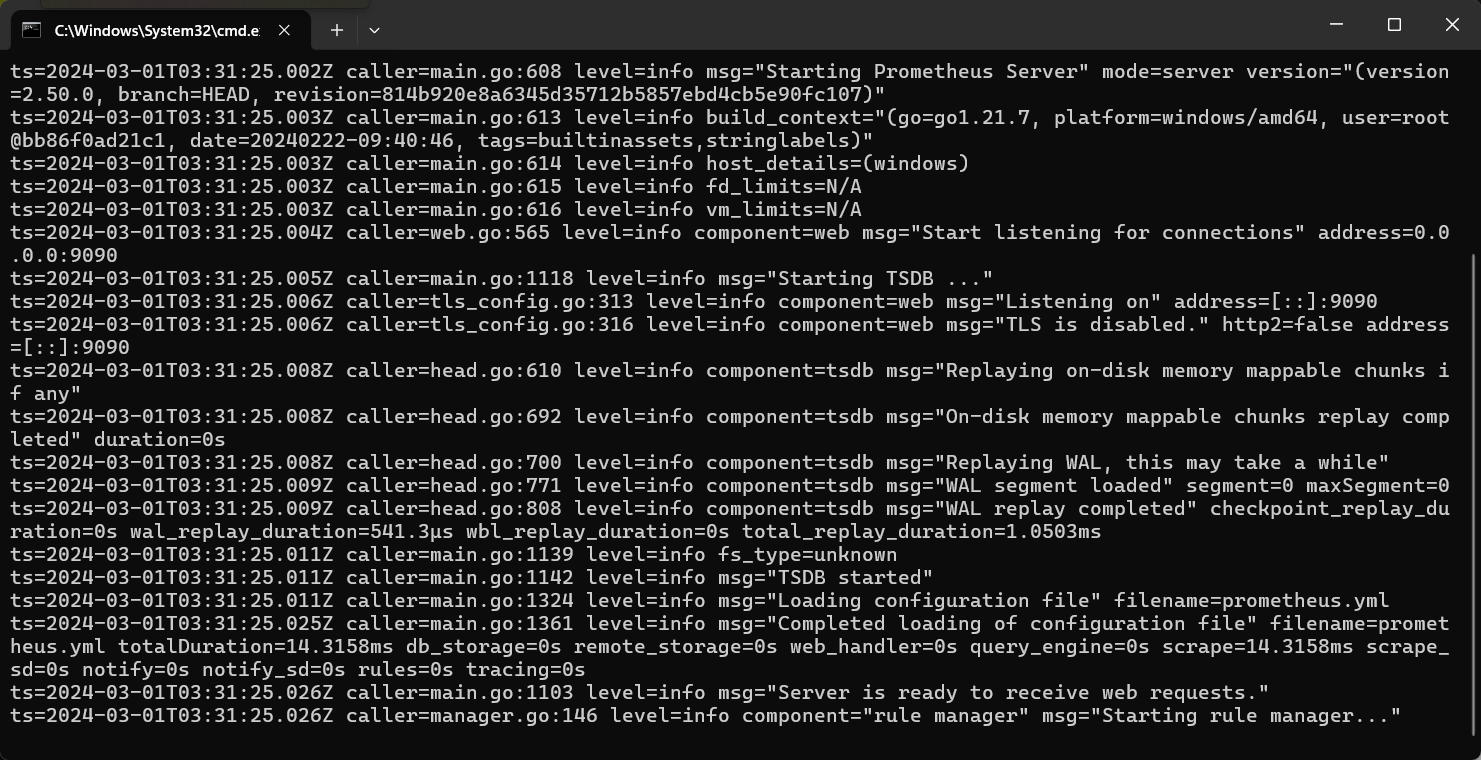
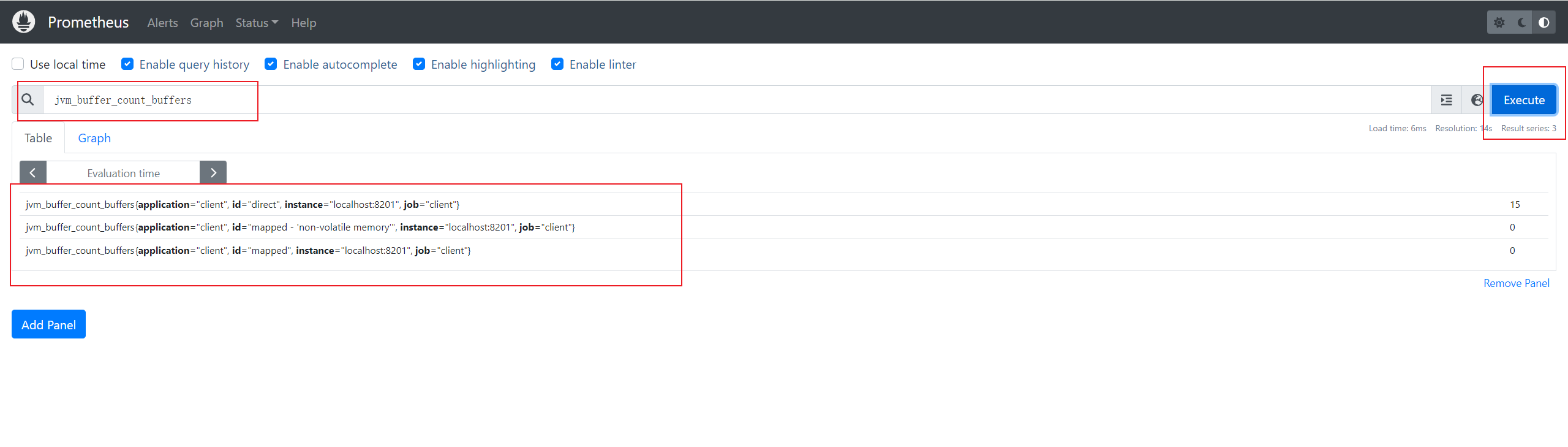
访问localhost:9090
搜索jvm并选择jvm_buffer_count_buffers,会显示你项目的jvm信息
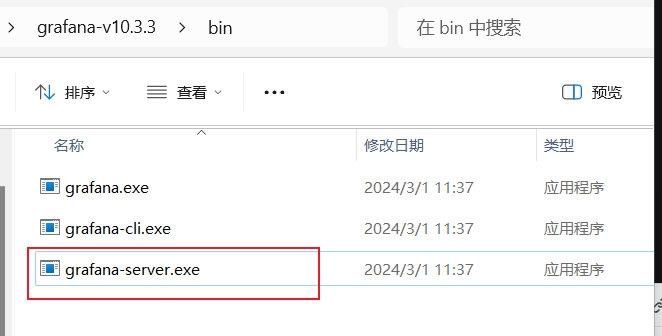
下载grafana并解压,运行grafana-server.exe
访问grafana
http://localhost:3000 默认账号密码都是:admin
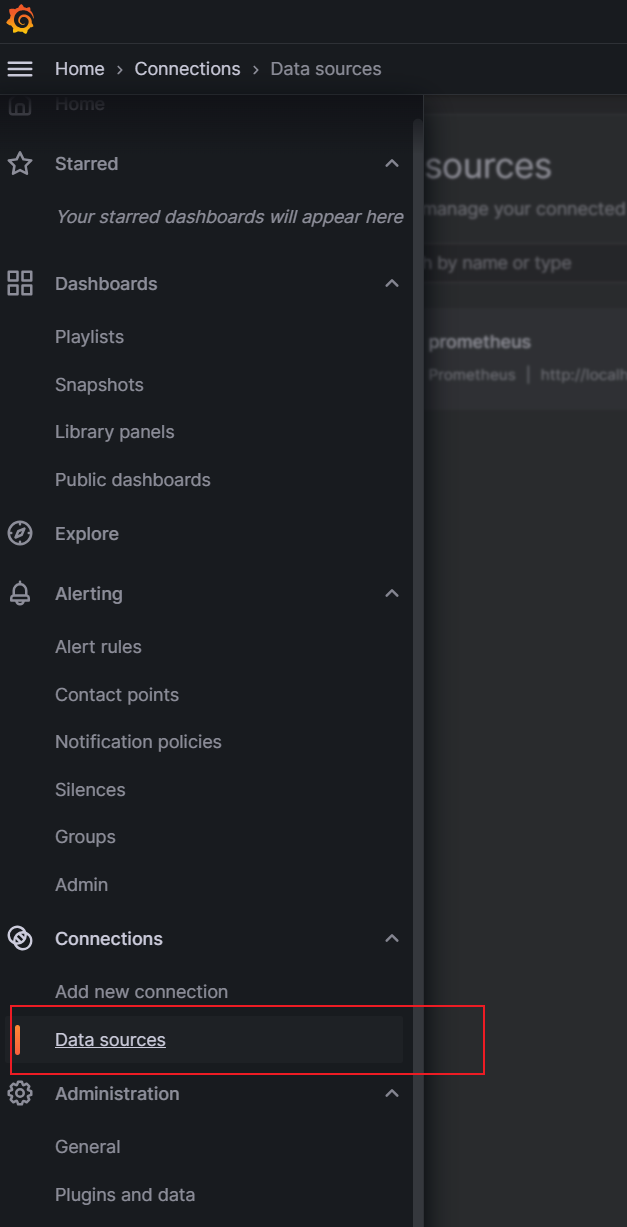
打开grafana菜单栏,选择Data sources
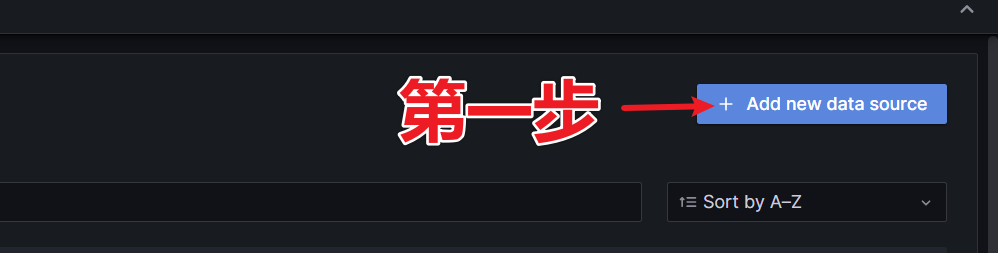
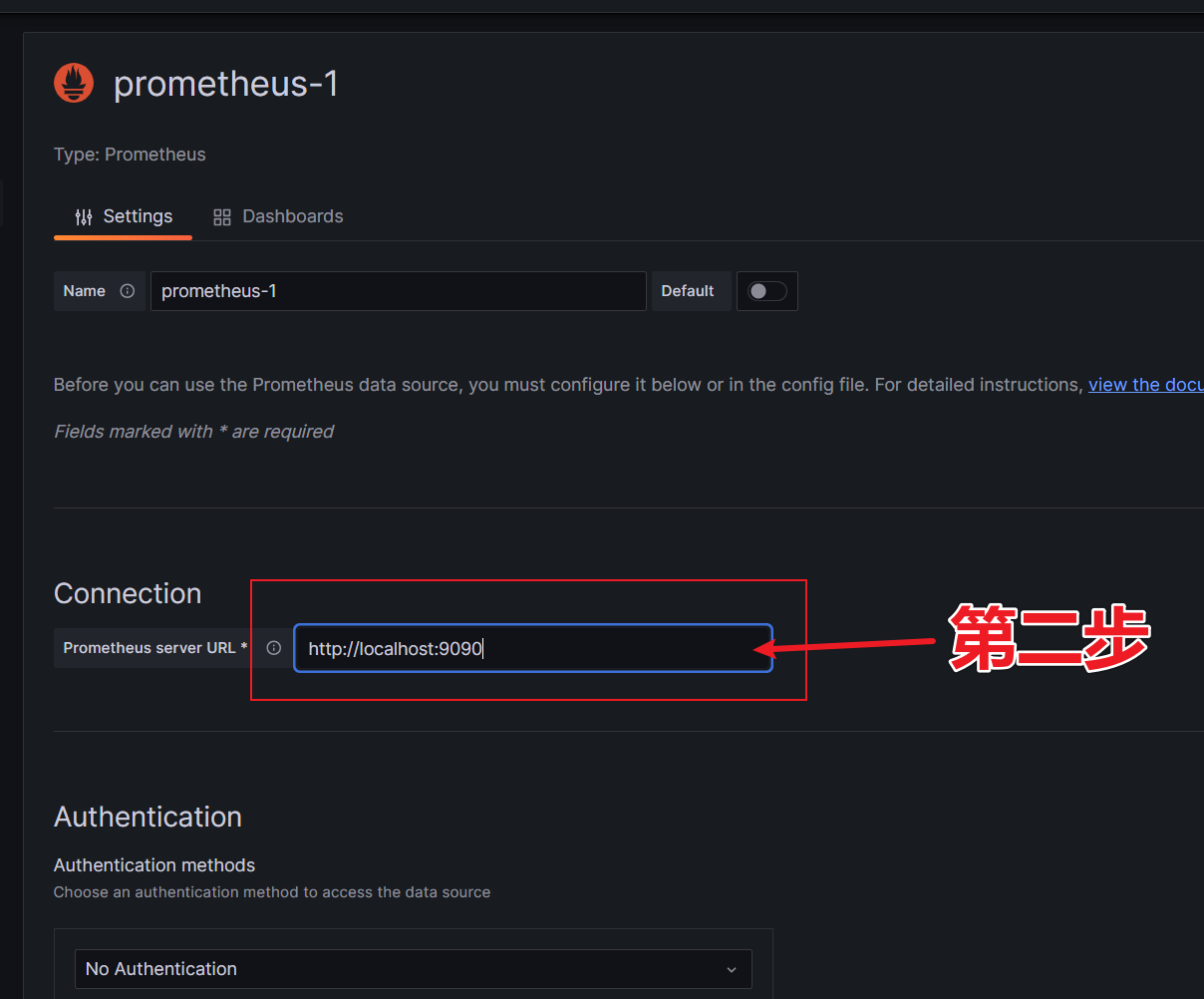

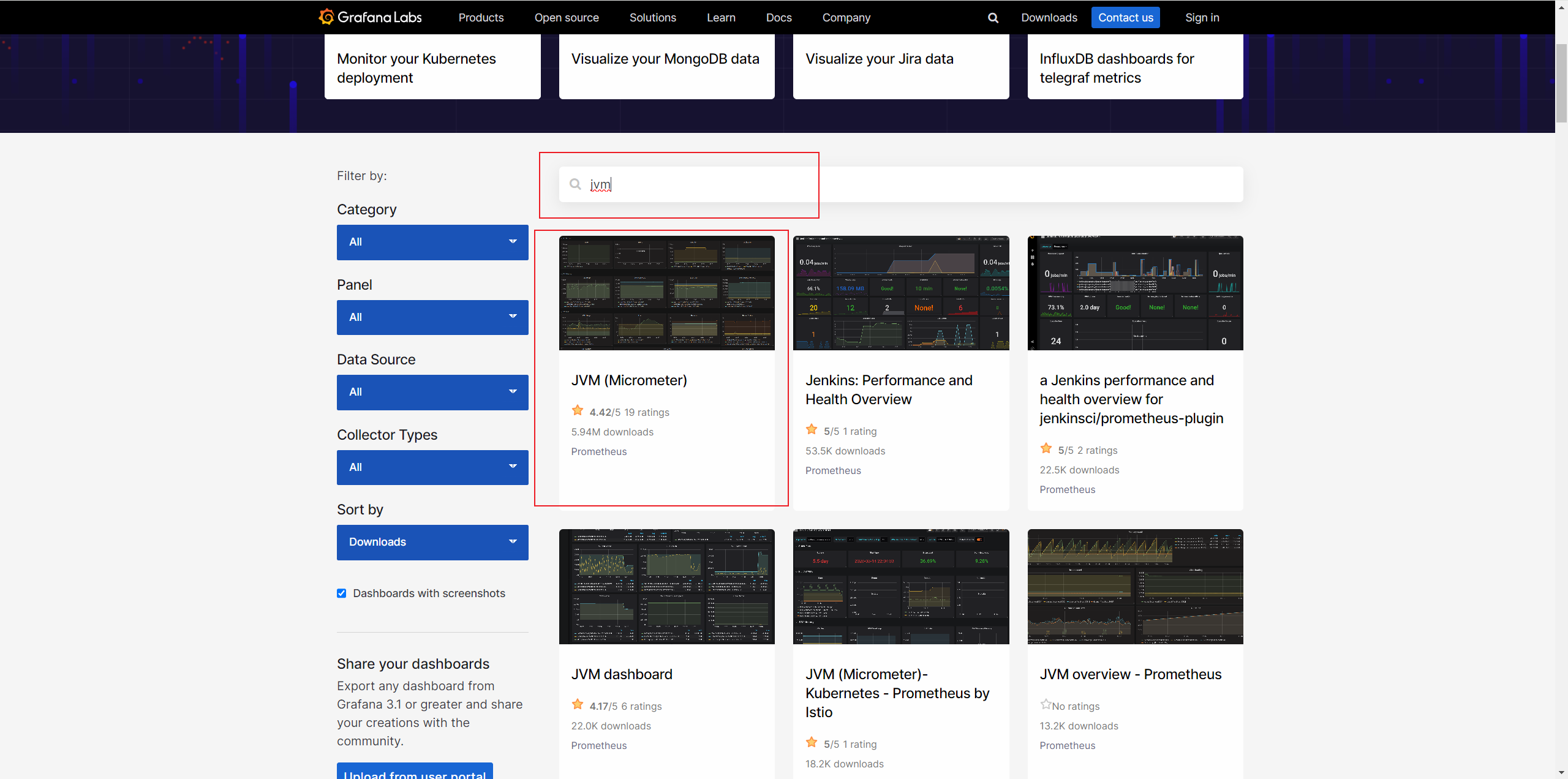
打开https://grafana.com/grafana/dashboards/
搜索jvm,选第一个
复制ID
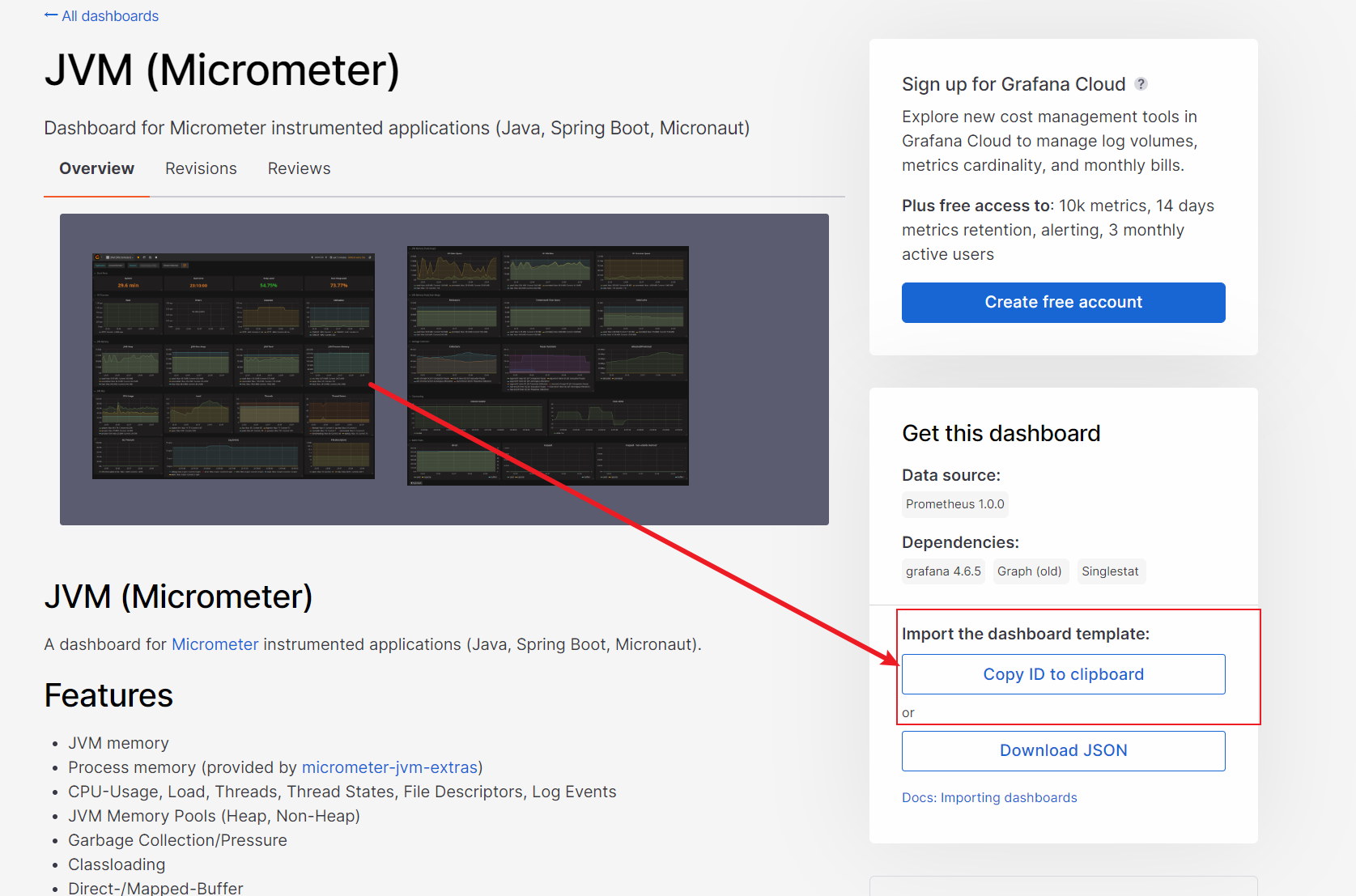
回到localhost:3000的grafana面板
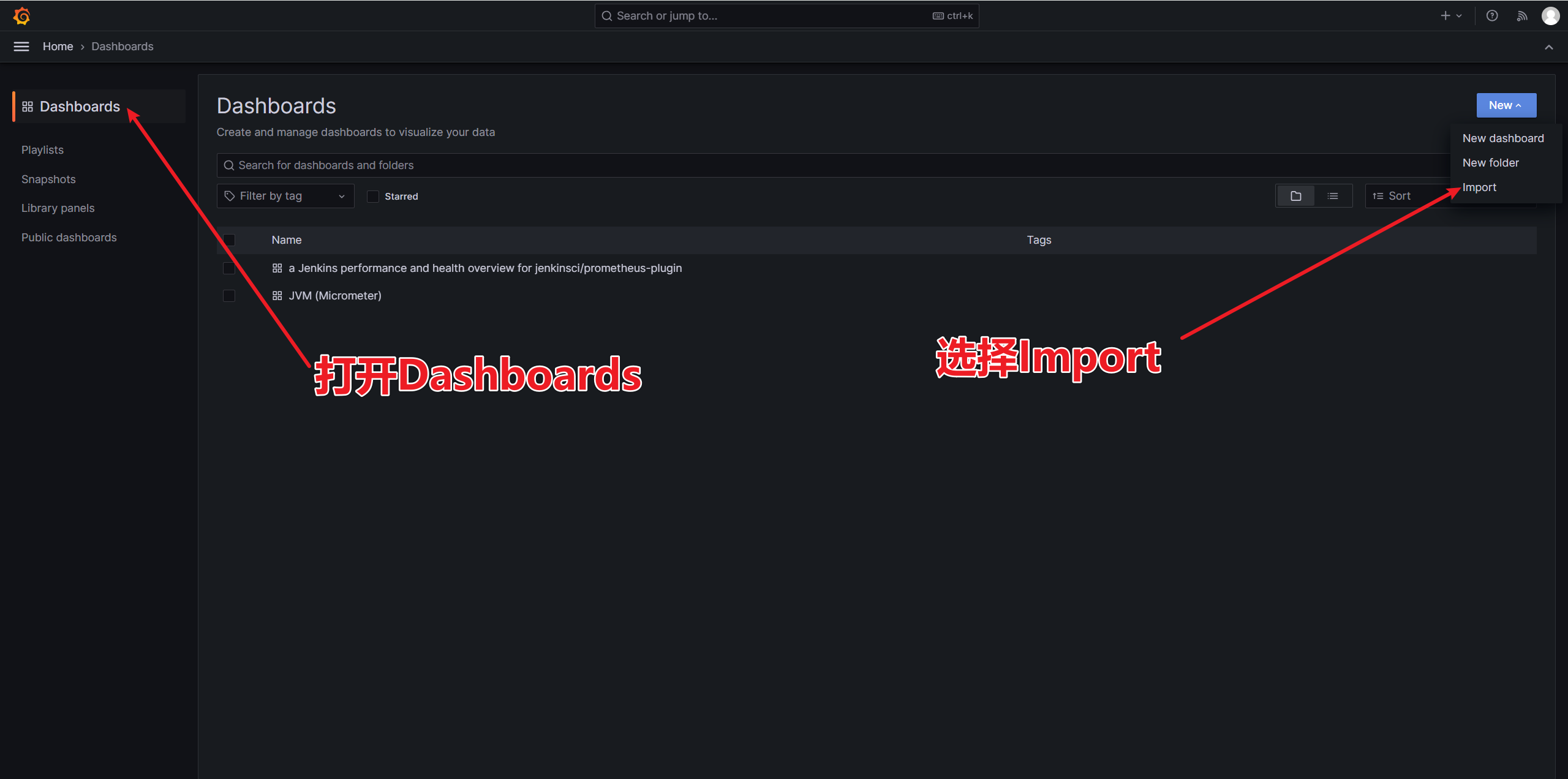
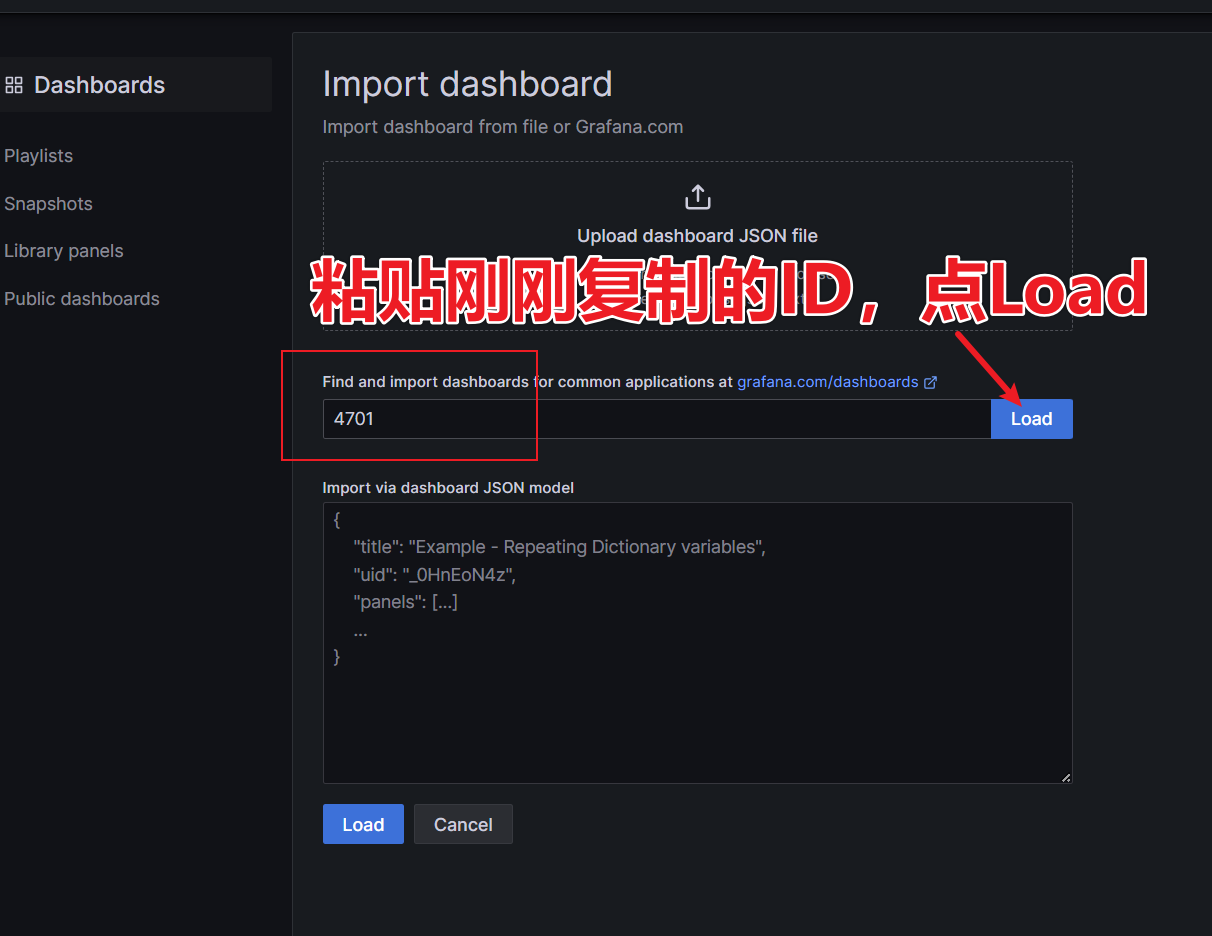
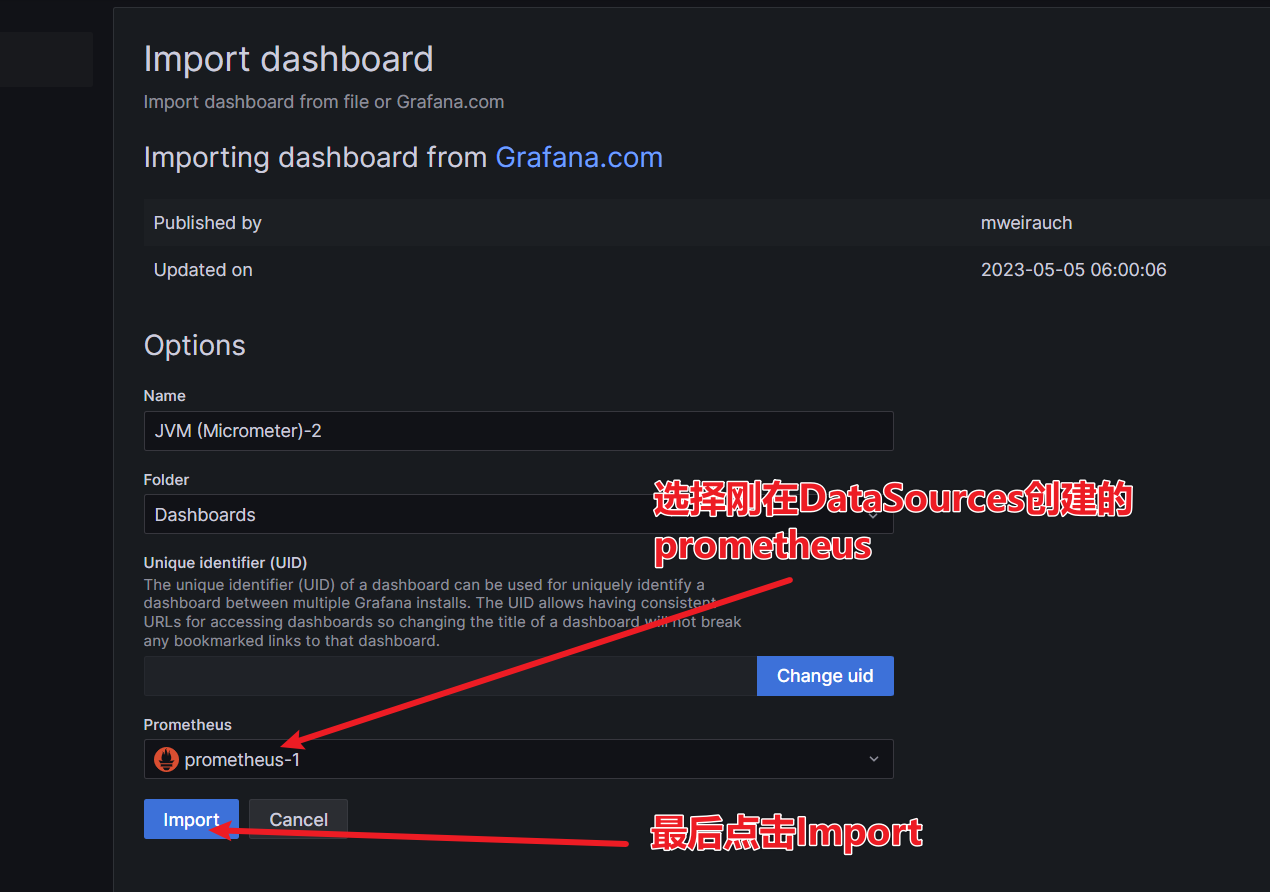
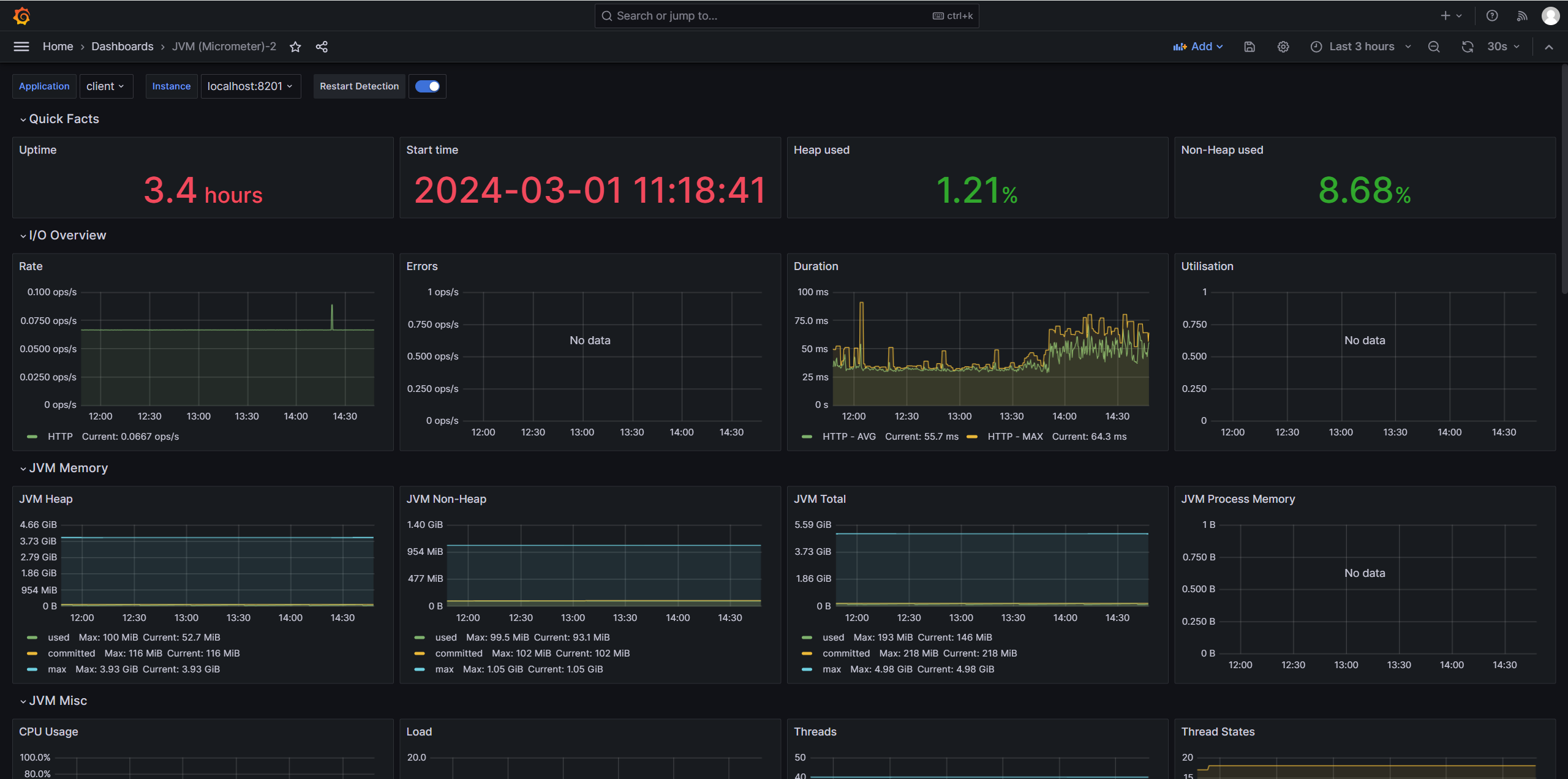
最终监控面板效果
觉得有用就点个赞吧